Features
Everything you check for a client, in one place.
The Client Monitor, SEO reports, Slack, client logins and your own branding, all inside WordPress.
Client Monitor
Know which clients need attention.
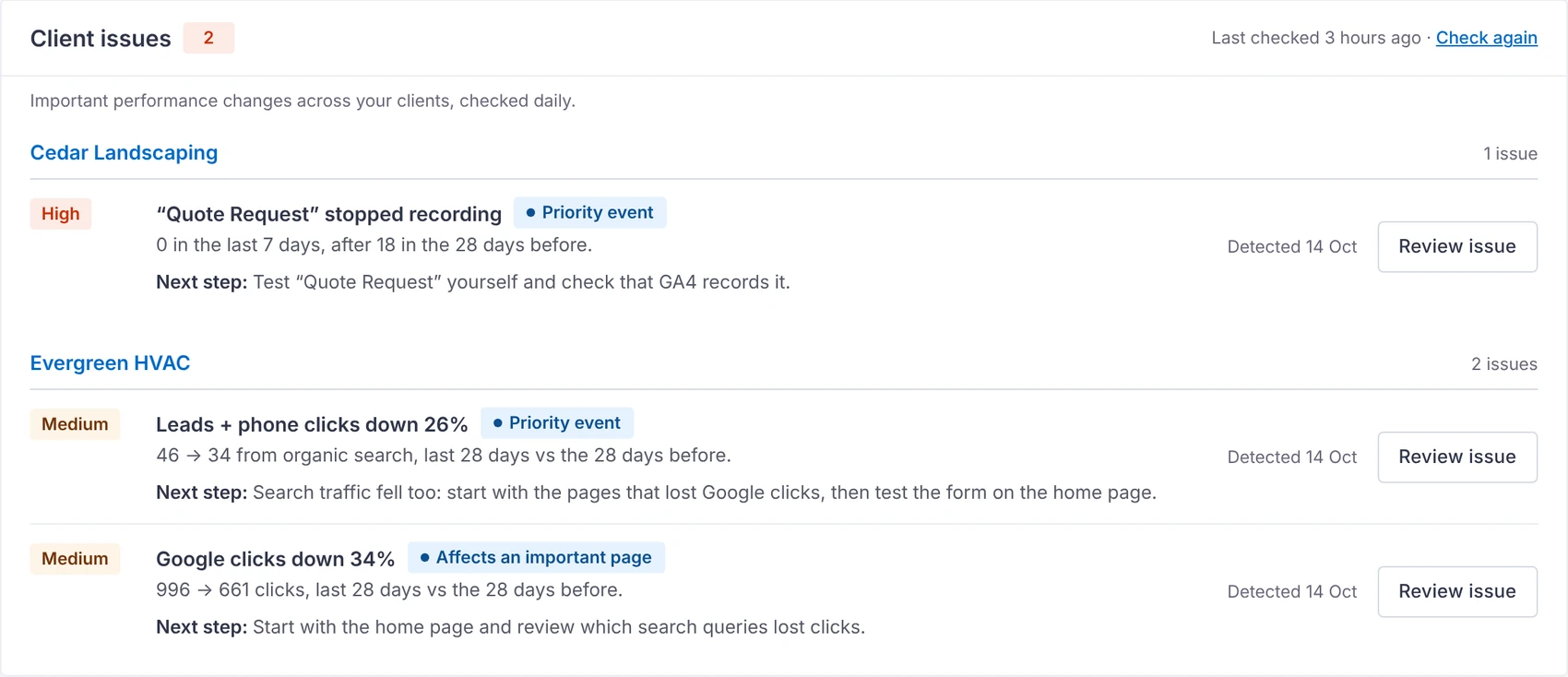
Once a day, every client is compared with the 28 days before, using the same Search Console and GA4 data as your reports.
- Clicks down 20% or more, with at least 100 clicks before
- Leads down 25% or more, with at least 10 before
- An important page losing 30% or more of its clicks
- A lead form or event that stopped recording for 7 days
- A weekly summary email lists the clients that need attention
- Small ups and downs don't become issues. Choose "only big drops" to raise the thresholds
Every issue
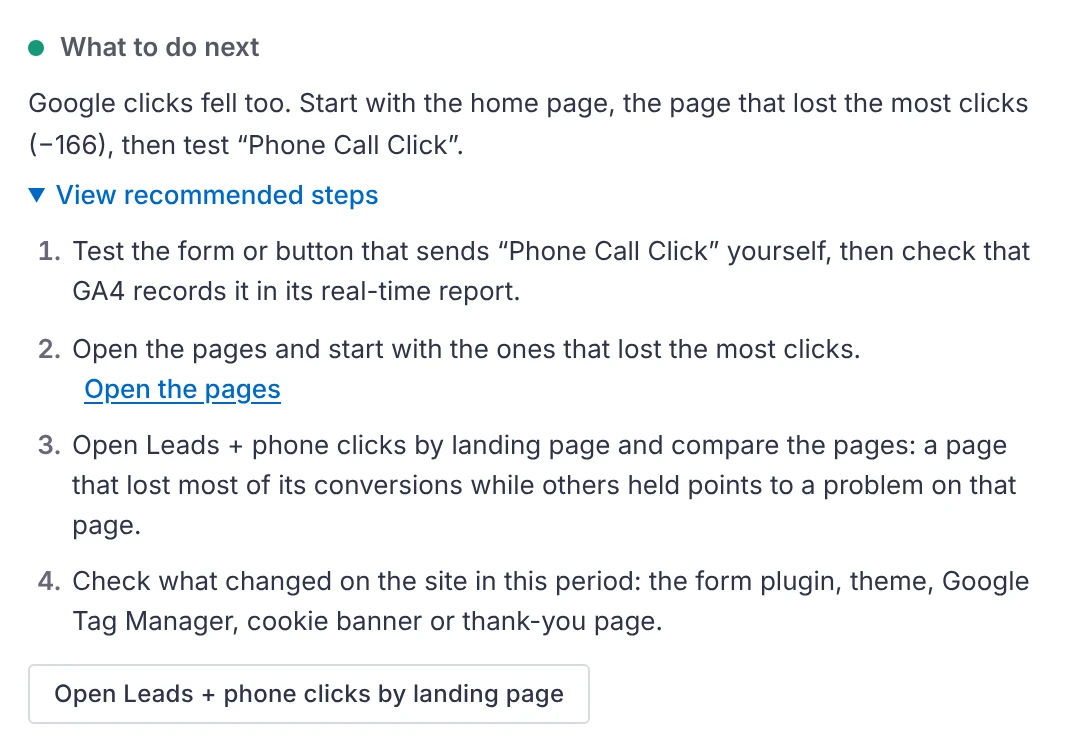
What happened, why, and what to check.
Each issue opens with the numbers, what the data suggests and the top checks for your SEO team, naming the page and keyword.
- Supporting data and keyword details one click away
- Mark as handled or snooze for 7 days
- Issues clear by themselves once the numbers recover
Send to Slack
Hand an issue to your team in one click.
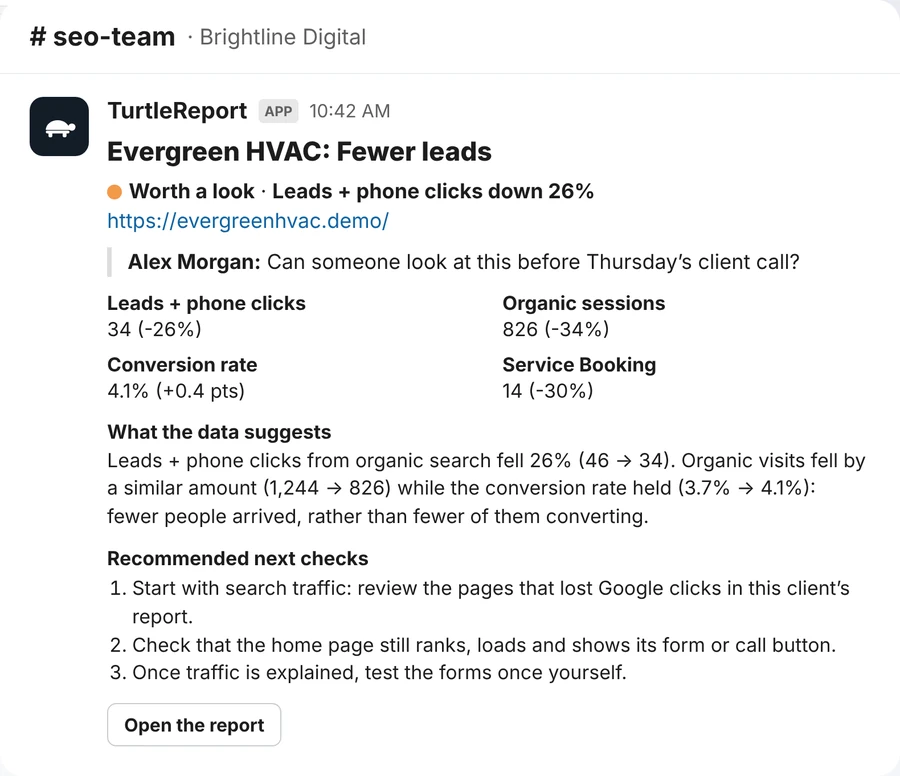
Post the issue to your team's channel with an optional note, or copy it to paste anywhere.
- The issue, the affected page, its numbers and what the data suggests
- The recommended checks and a link to the report
- Uses an incoming webhook you save once
SEO reports
See what changed, and where.
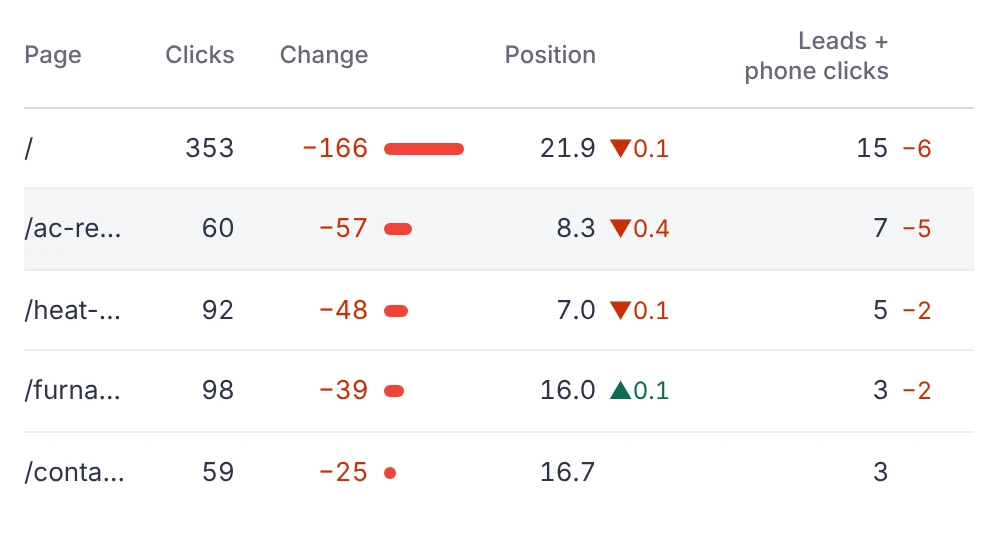
Clicks, impressions, CTR and position beside the leads they brought, each compared with the period before.
- Pages gaining and losing clicks, with leads beside them
- Keyword rankings and biggest movers
- Opportunities in positions 4 to 20, countries and devices
- Brand vs non-brand segments, AI assistant traffic and Business Profile
Client logins
Clients see their own report, nothing else.
Give a client a Report viewer login. They land on their report on desktop or phone.
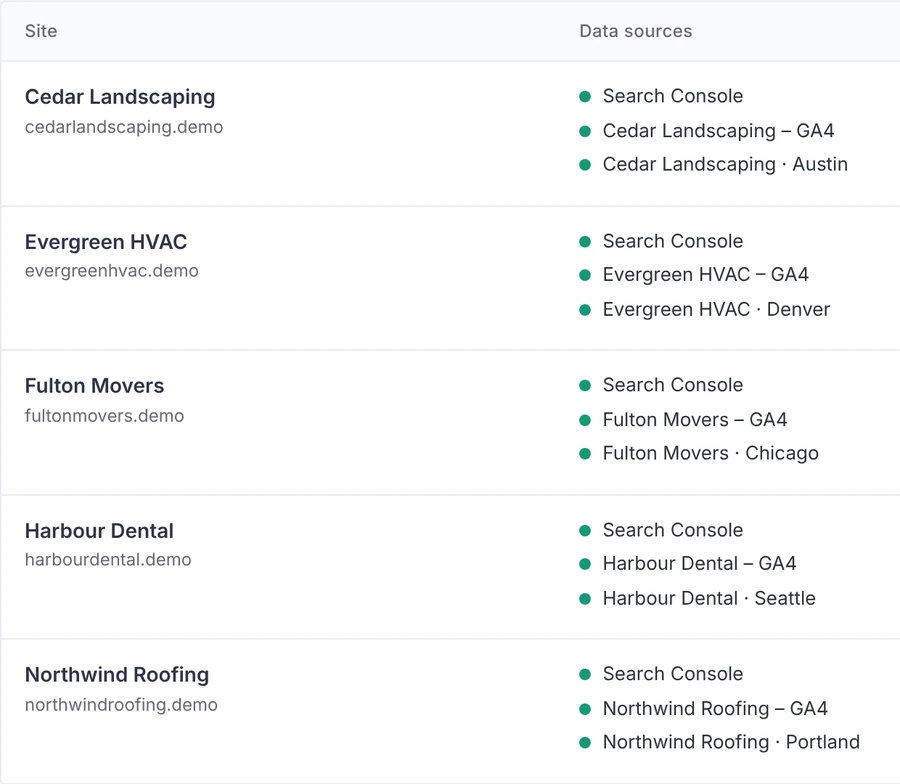
- Access by user or by role, per site
- Checked on the server for every request
- Multisite ready
White label
Your brand, not ours.
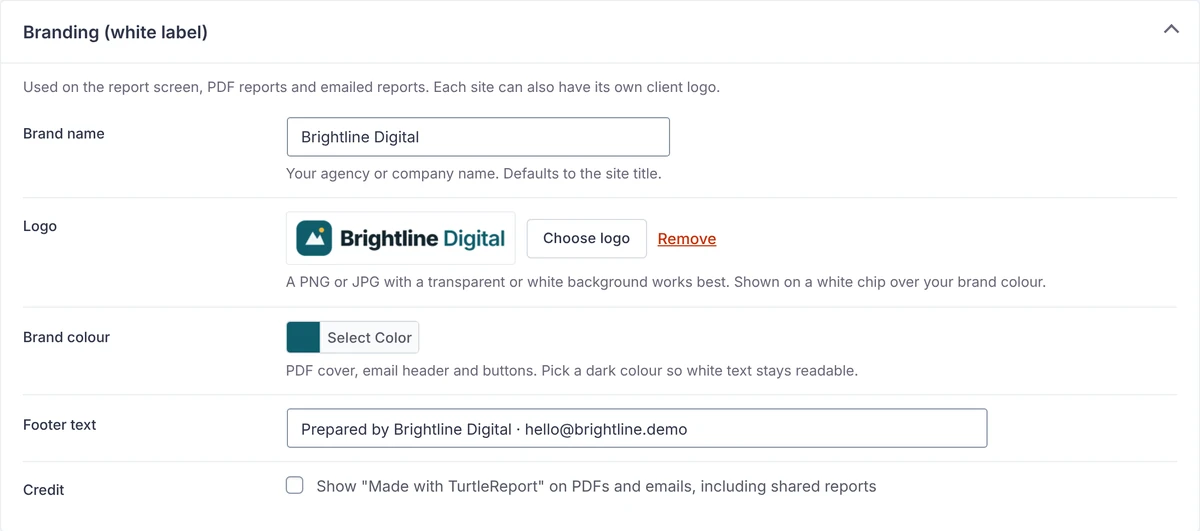
Your logo, colour and footer on the report screen, PDFs and emails, next to the client's logo.
- Brand name, logo, colour and footer text
- No TurtleReport credit unless you choose to show it