3. Add a client website
About a minute per client.
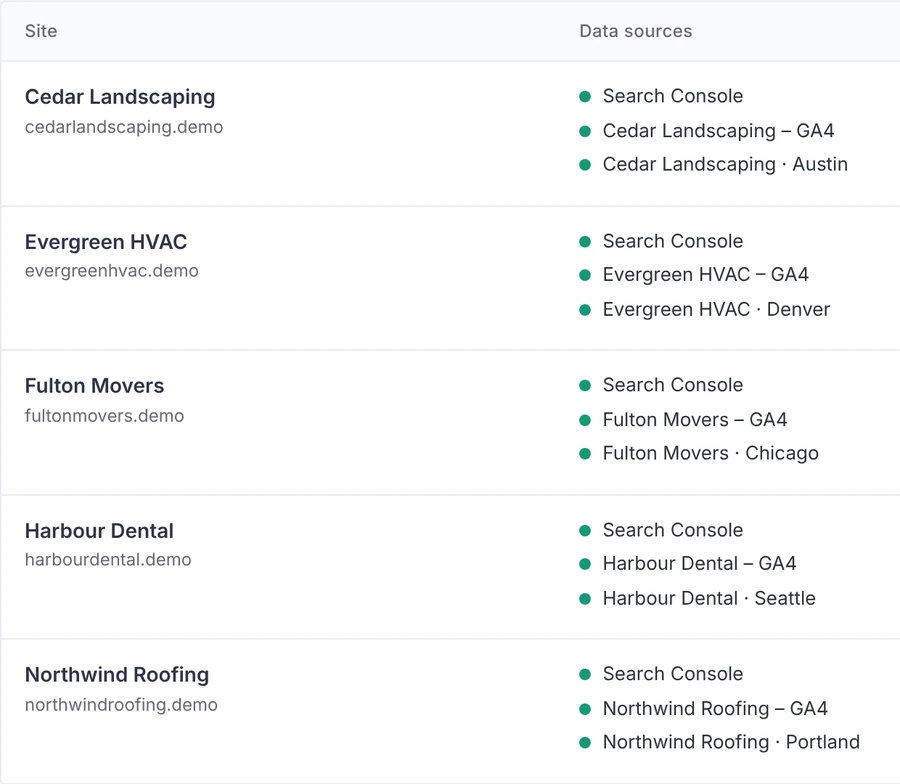
- Open TurtleReport → Sites & access → Add site. Pick the connection, then the Search Console property, GA4 property and (optionally) Business Profile location.
- Under What this report collects, switch on only what this site needs (search, conversions, AI assistant traffic, website traffic, Business Profile). Parts that are off are never fetched from Google.
- Name your conversions (Leads, Bookings, Sales…) and pick the GA4 events that count, or start from a preset. The screen lists the events recorded from organic search in the last 28 days; click one to add it.
- Under Who can see this report, tick roles or add users. Administrators see everything; everyone else sees only the sites they were given. Access is checked on the server for every request.
- For clients, create a user with the Report viewer role and give them their site. They log straight in to their report and don’t see the rest of wp-admin.
A property is missing, or sources live in different Google accounts
- Different Google accounts per source? If Search Console is in one Google account and GA4 in another, add a connection for each. In the site, pick the main connection, then choose another under Google account next to the source that lives elsewhere.
- A property isn’t in the list? The list shows only what that connection’s Google account can open. On the Connections screen, click Check connection: it shows the account email and what it can see, and says whom to add where. After adding a user in Google, wait a few minutes and click Reload lists from Google.